
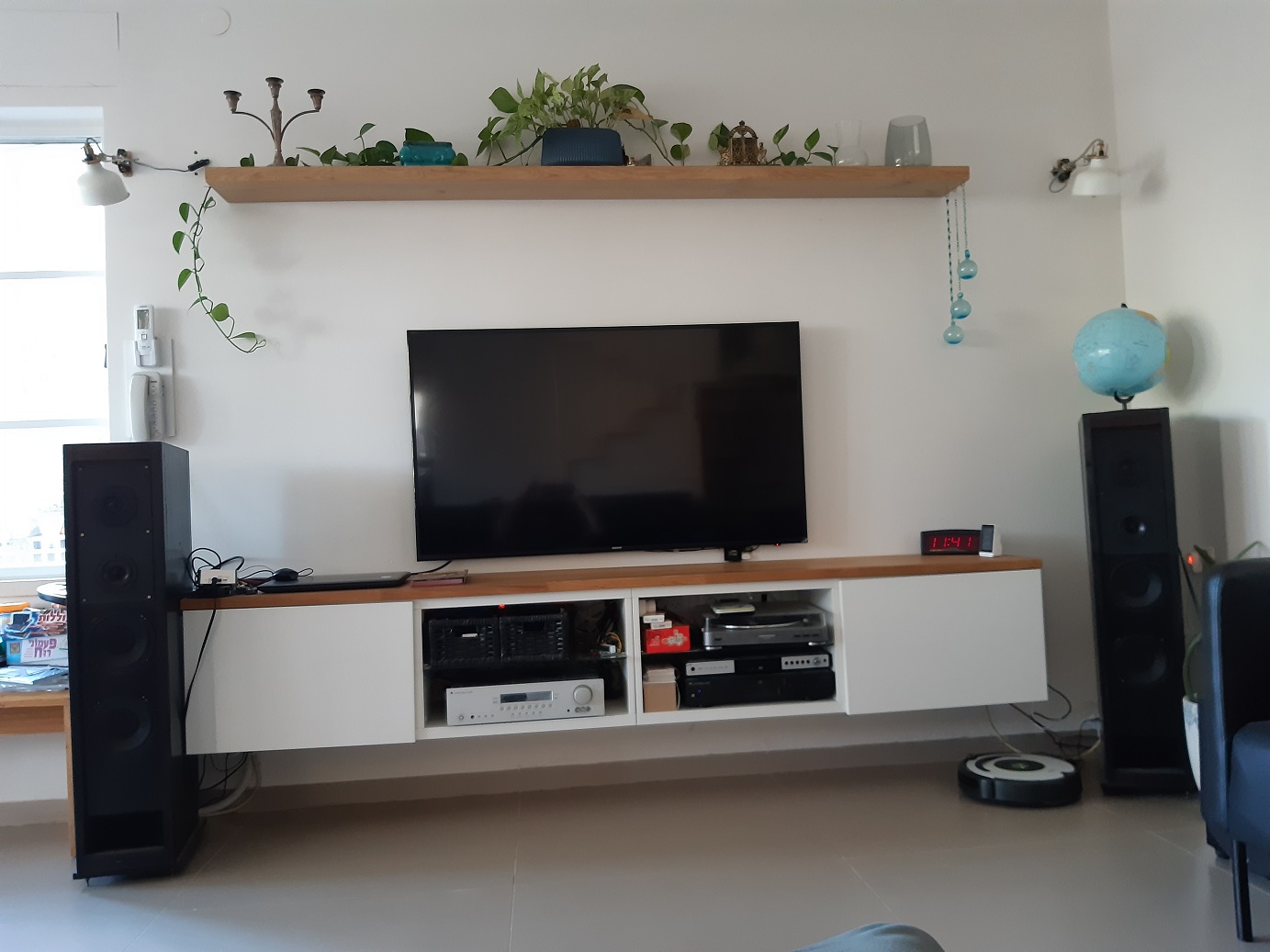
Disabling Transmissions on TVs and Streamers with Google OS
On TVs and streaming devices that use Google’s operating system, it is possible to disable both Wi-Fi and Bluetooth through the system settings. However, I’m not sure whether the TV/streamer remote control (which is often Bluetooth-based) will continue to work after turning off these functions.
If the remote control supports both Bluetooth and IR, it will continue to work in a limited way (for example, without voice search functionality). If you still want to connect the TV to a network, use a wired connection instead of Wi-Fi (since we are turning Wi-Fi off).
After each change, make sure to verify with a radiation meter that the transmissions have indeed stopped.
I’ve searched a bit and found videos (and even an image shared in the group) showing how to do this. There might be slight variations depending on your system version.
Disabling Wi-Fi on TVs and Streamers (Google OS):
One of the videos depends on the system version. You must connect a wired network instead of Wi-Fi:
Disabling Bluetooth on TVs and Streamers (Google OS):
*1 Note: After disabling, some buttons on the remote might not work. It’s also possible that the device will still transmit when pressing buttons.
*2 Be sure to disable automatic scanning as well.
Always verify with a radiation meter.