Buying a new used car
This year (2026), I purchased a used 2015 NISSAN NOTE. Immediately after the purchase, I did two things:
- Removed or turned off all transmitters and wireless equipment from the vehicle.
- Made a list of repairs, upgrades, and modifications I want to do.
Low on the upgrade list was the task of purchasing a new multimedia system and turning off or removing all transmitters from it.
I documented the purchase of the car and the removal of all RF sources from it in several blog posts. The summary was compiled in the post – https://www.norad4u.com/blog/2026/02/buying-a-new-old-low-emf-radiaton-car/
Choosing and Ordering the new multimedia system
A few weeks ago, I finally ordered the new Multimedia system from China. The purchase was delayed due to the war, and because of my search for the model that seemed to best fit my requirements. One of the main requirements was that it would be possible to turn off all RF transmissions (WIFI + BT). Another requirement was that the device would have physical buttons. Turning off the transmissions because I am radiation sensitive. Physical Buttons, because I believe that the main functions should be operable via a button, without diverting attention from the road and without performing multiple actions or gestures on the touch screen.
This is contrary to the majority opinion, where people want as many transmitters as possible (and as strong as possible) and as many touch screens as possible with fewer buttons. Of course, in both cases, they are wrong.
Physical installation
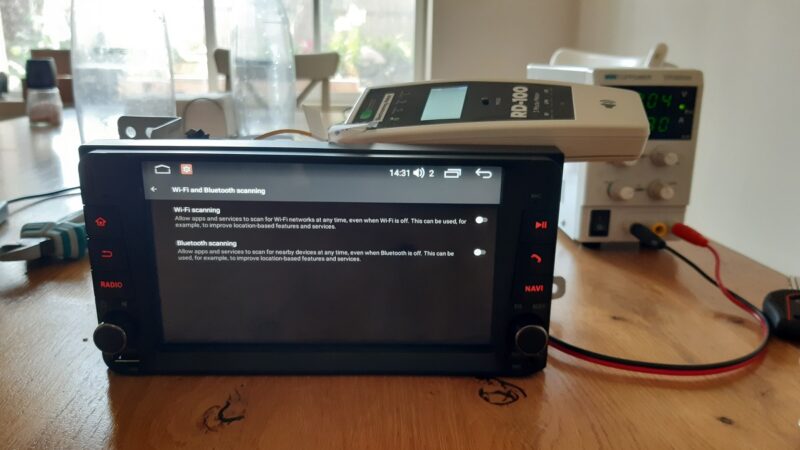
When the shipment finally arrived (there was a customs delay), I began the installation by measuring radiation from the device and turning off everything that could be turned off. The device’s GUI (user interface) was restricted by the manufacturer, and it was only possible to turn off the WIFI through the interface. It was not possible to turn off the Bluetooth. This is where I got suspicious.
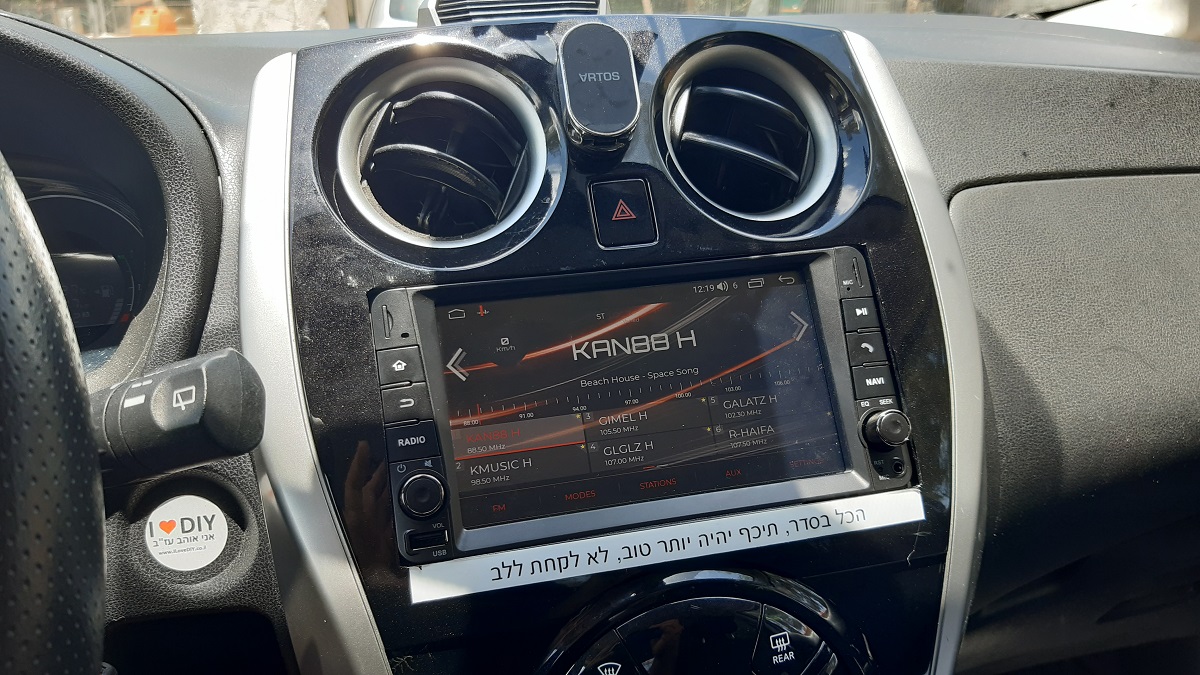
Afterward, I carried out a variety of physical adjustments in the car. The new device was supposed to be a perfect fit, but a few millimeters were missing in the dashboard for it to slide in easily.
Installing apps
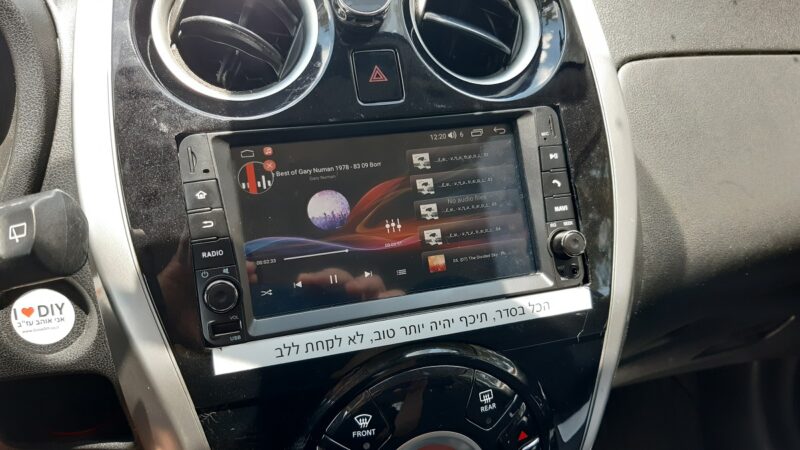
After hacking, cutting, and sanding the dashboard, the device fit in freely. Then I turned my attention to configuring the device and installing a navigation software that does not require cellular data or internet access. The software is ORGANIC MAPS, and it can be found on the Google Play Store. It requires a one-time wireless download of the maps to the device. Afterward, the Wi-Fi can be turned off forever (or until the next time you want to update to new maps). The installation was performed by downloading the APK file to a computer, transferring it to a USB memory card, and then transferring it to the device and running it.
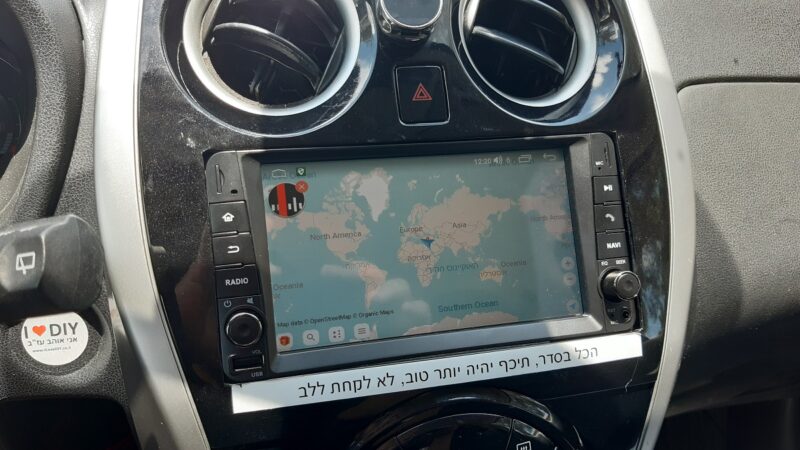
Additionally, I installed a few more apps to make the device cooler, simpler, and more convenient to use. At the end of each installation, I re-checked that the device was not emitting radio frequency radiation, just in case one of the apps decided to turn the transmissions back on.
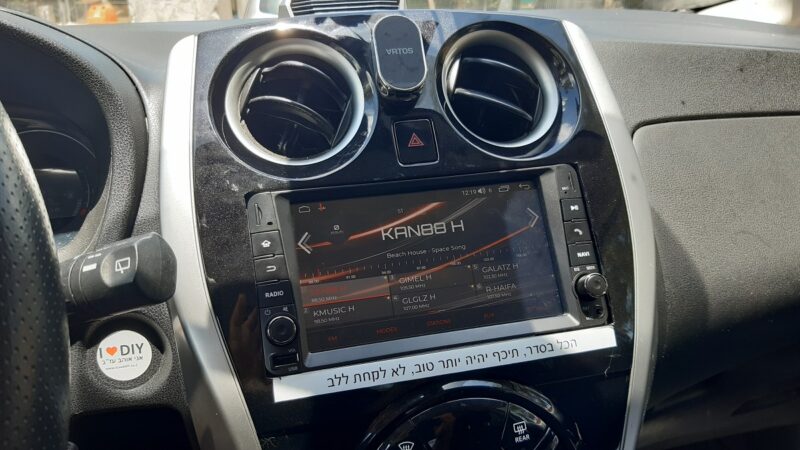
Is the RF really off?
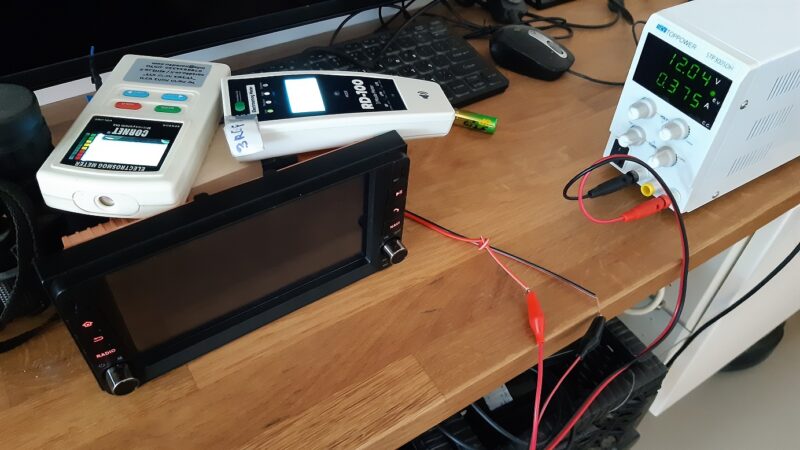
Slowly but surely, a suspicion crept into my heart that there was a transmission, albeit a weak one. I removed the device from the car and hooked it up on my desk at home.
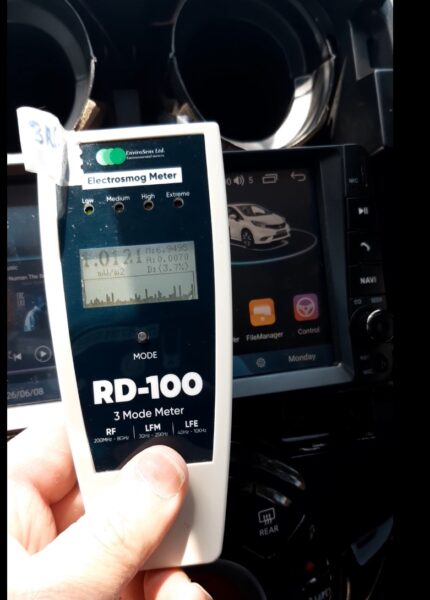
At my house, the background radiation is lower than the radiation in the car, when it is parked on the street, and there are no transmissions at all (my entire house is wired/cable-based). This means it would be easy to notice any unusual transmissions from the device. Any transmission would be registered and displayed on the radiation meter.
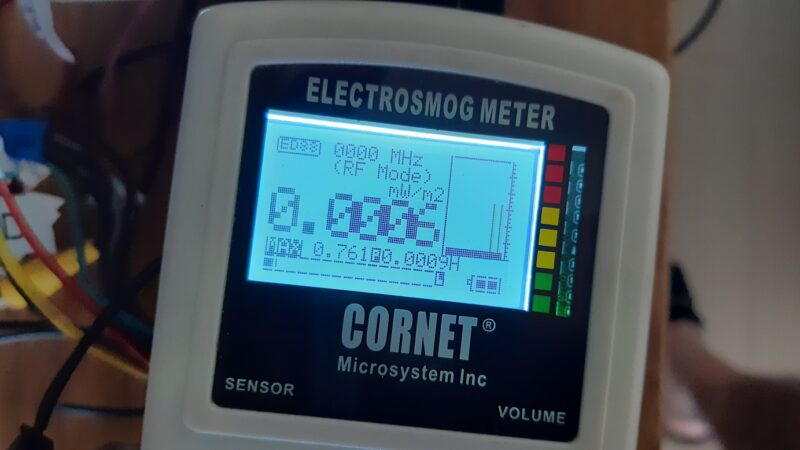
I placed two radiation meters next to the device: an old CORNET ED88TPLUS to see if there was a transmission, and the ENV RD100 connected to a computer with software that displays the measurements over several hours. This way, I could capture every transmission. And indeed, two short transmissions were clearly visible once every few minutes.
BTLE signal every 150 seconds
There was a tiny transmission every now and then. To understand exactly how often the transmission occurs, I connected the ENV RD100 to the computer and ran the logging software. On the software, I saw that the transmission occurs every 150 seconds (two and a half minutes). The transmission was clearly visible on both the meters and the software.
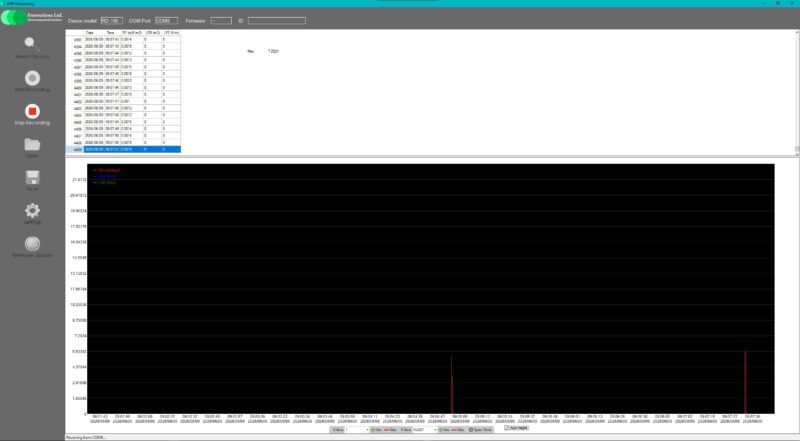
I used AI to help figure out what this could be. Its direction pointed toward a Bluetooth ‘KEEP ALIVE’ or ‘BEACON’ signal.
I installed a software that uncovers settings blocked by the manufacturer, and indeed, I found a setting for ‘BTL2’—a setting that, even when turned off, reverts back to transmission mode every time the device boots up.
Removing the antennas
After realizing I wouldn’t be able to turn this setting off permanently, I began to intervene at the hardware level. First, I removed the external Bluetooth antennas. On one of the device’s connectors, there were two small wires (about 3 cm each) that served as antennas for the Bluetooth and Wi-Fi. After removing them, the measured signal dropped accordingly.
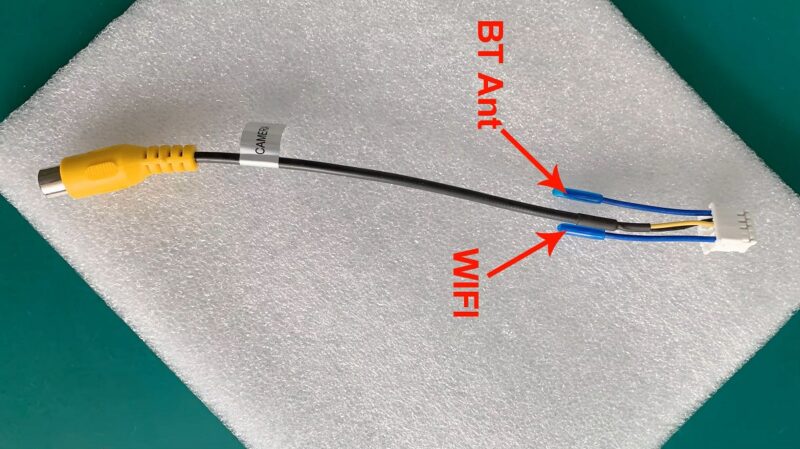
To be honest, it was so low that it would have satisfied most people. But it did not satisfy me as a radiation-sensitive individual. The Bluetooth transmission dropped from a level of 8 milliwatts per square meter to less than 0.02. The Wi-Fi transmission (which I can turn off via the settings menu) dropped from 200 milliwatts per square meter to around 10 milliwatts per square meter.
Removing chips from the board
To lower the transmission even further, I decided to open the device and look for the transmitter itself to see if it could be removed. With the help of Google’s AI, I analyzed the components on the board. I realized that the transmission comes from a main chip that runs the operating system, which also includes the Wi-Fi and Bluetooth transmitter. This chip cannot be removed, because then the device wouldn’t work. I kept looking for another component that could be removed, or a point where I could cut off the path of the Bluetooth (and Wi-Fi) transmission to the external pins of the device.
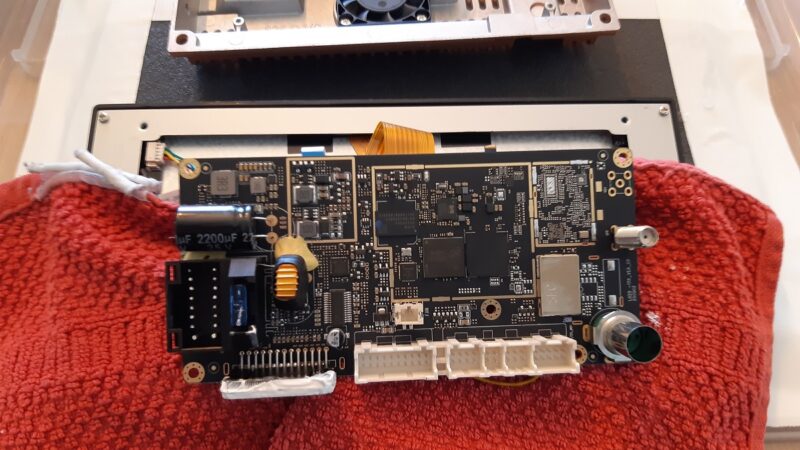
What I found (with the help of the AI) was an RF mixer/multiplexer installed on the board. I did a few tests with a multimeter to verify that this was indeed the component, and I identified that the pins that were connected to the external antennas were connected to the bottom pins of this chip.
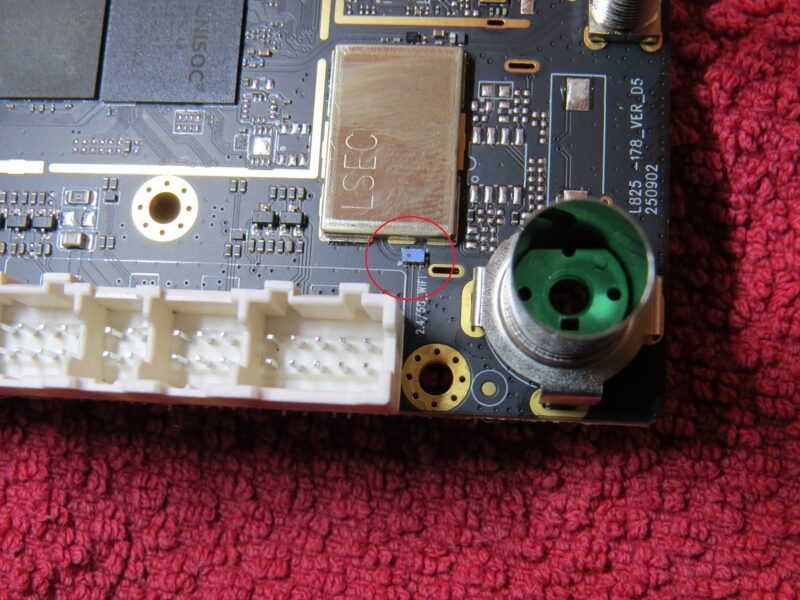
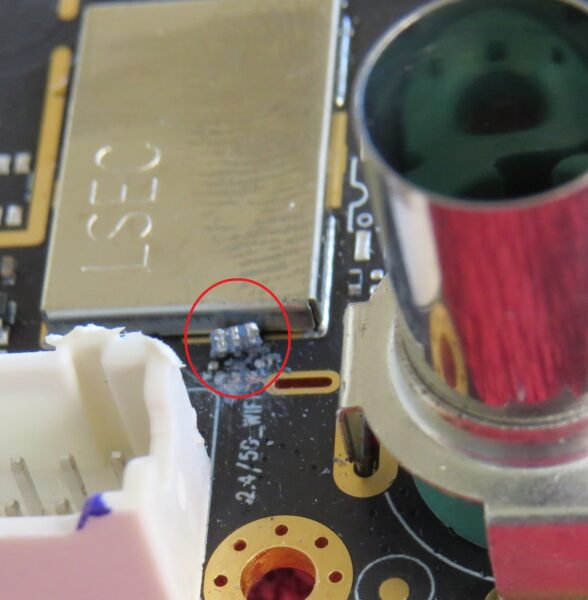
I plucked up the courage and disconnected it from the board… I tried to be gentle, but since it was so small, I made quite a mess there. Ultimately, I managed to disconnect three of its pins from the board: the Wi-Fi pin, the Bluetooth pin, and the ground pin.
Retesting
“I reassembled everything and checked the radiation again. The radiation during Bluetooth transmission has now dropped almost below the level I am able to measure at home. And even then, it was only when the radiation meters were placed right against the device. In the car out on the street, this transmission will drown in all the noisy background. At least, that is what I hope. Besides, it’s just a pulse once every two and a half minutes. Not too bad… I hope.
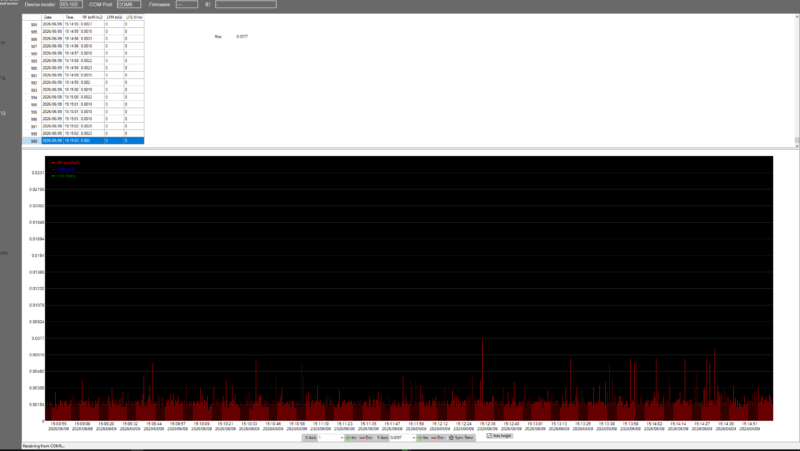
I reinstalled and reconnected everything, and checked the radiation in the car again, and indeed, I didn’t see the transmission at all above the already noisy background on the street.
This is the third time I have been forced to intervene at the hardware level in such devices to completely stop the transmission. And this is the first time I actually had to lift the ‘pins’ of a tiny component off the board. In previous times, I had to disconnect an entire daughter board, which is easier.
To anyone who thinks this looks easy, or who feels exhausted after reading this tiring post, I will only say that it took me somewhere between 20 to 40 hours of work to do it all (depending on how you count).
That’s it… Now everything is assembled, everything works, and it seems that everything is not transmitting. Time to move on to the next project.